
Dongle quick start guide
To use your dongle, install Agent first.
After starting up Agent, connect the dongle, and a pairing notification should appear at the top of the window:
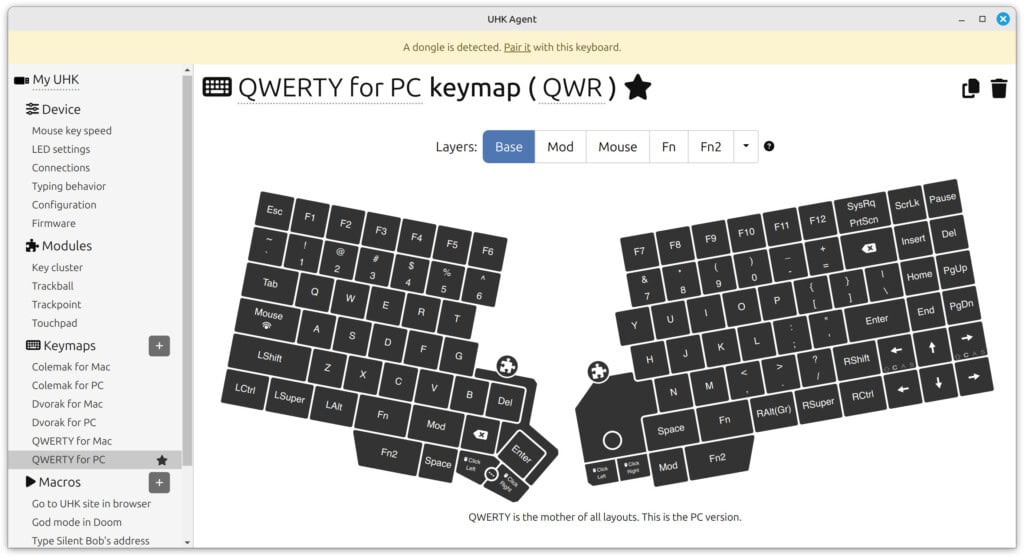
Click the "Pair it" link, and your dongle should pair immediately.
The colors of the dongle LED mean the following:
- Red: The dongle is not paired to any UHKs.
- Violet: The dongle is paired to a UHK and is trying to establish a connection.
- Blue: The dongle is connected to a UHK, but it's not the active target. Such dongles can be immediately switched to on the UHK.
- Green: The currently active dongle.